Let’s Get Started!
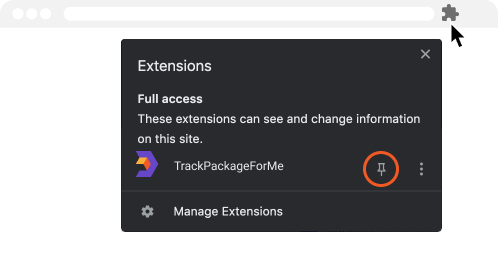
Pin TrackPackageForMe to your browser to view all of your shipments in one-click. To do this, click the puzzle icon on the top right corner of your browser window and select the pin icon next to TrackPackageForMe.


Simple To Use
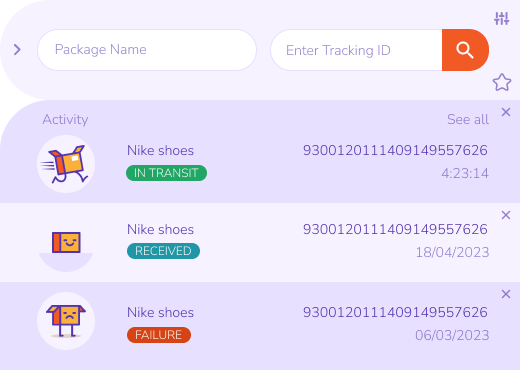
To find your package, add your tracking number and click the search icon. That’s it!

A Better Way to Track
Always know when a package is about to arrive! See an overview of all your packages in one place.

Stay Up to Date
TrackPackageForMe will notify you when there’s a status change, such as a package pickup, delivery or delay.
Enter Tracking Details
Enter a package name and the tracking number.

View Tracking History
Get an overview of all the packages entered and their current status.
Review Shipment Status
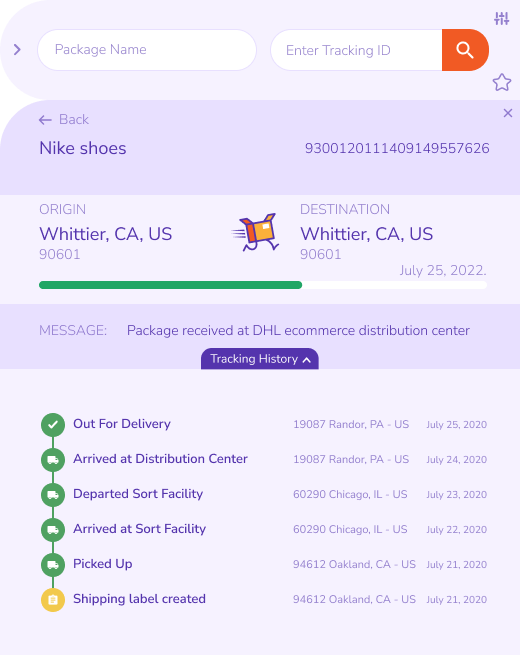
Follow each package's journey with a timeline of status changes.
TrackPackageForMe Widget Management
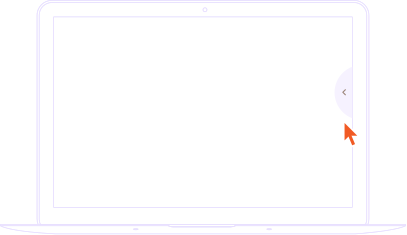
Activate extension window
To open TrackPackageForMe, simply click the floating action button while visiting any website.
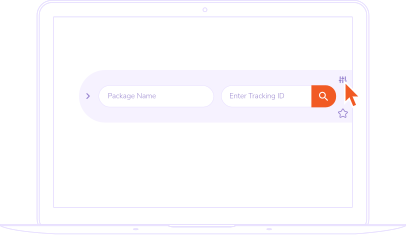
To Disable the Action Button
You can hide the extension button by clicking the setting icon to view more options.
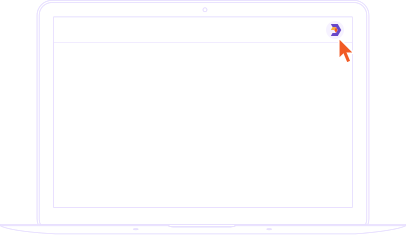
To Enable the Action Button
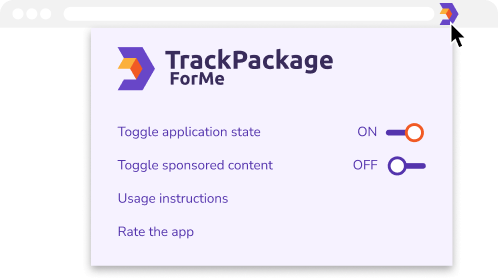
Click on the extension icon in the browser toolbar, then set 'Toggle application state' to On.
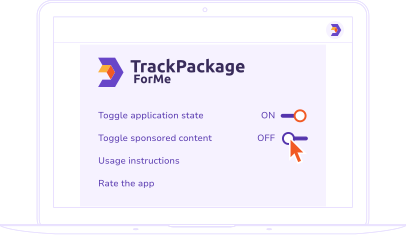
Disabling sponsored content
To turn off sponsored content, simply set ’Toggle sponsored content’ to Off.
We Are Here to Help!
Click the pinned TrackPackageForMe icon at the top right of your browser to learn more about the extension, how to use it or leave us a review.